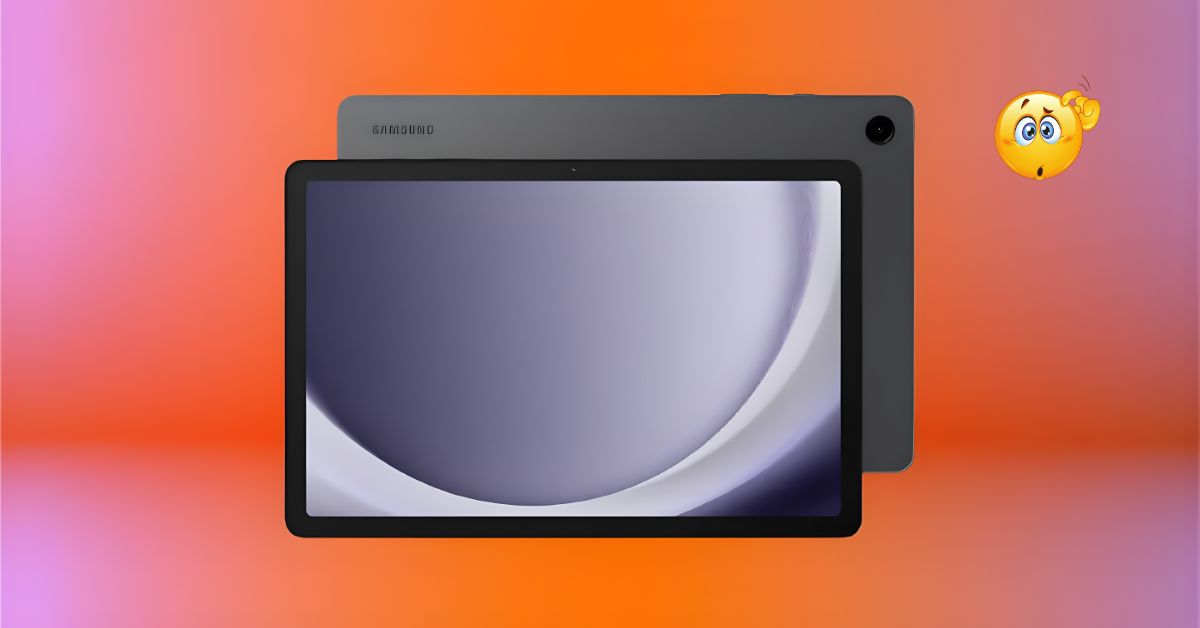
The Tablet Tussle: Pricing, Specs, and the Budget Reality
The Indian tablet market is fiercely competitive, especially in the sub-₹25,000 category, where value is the ultimate king. Samsung’s Galaxy Tab A9+ launched in late 2023, and while it received a few crucial software updates (like the new One UI 8/Android 16), it remains Samsung’s go-to large-screen budget tablet in 2025.
With the base Wi-Fi variant starting around ₹18,999 (and the 5G variant reaching up to ₹25,000), the Tab A9+ is positioned for students, media consumers, and light productivity users. The hype is built around the Samsung brand name, the large 11-inch display, and the promise of a premium experience at a mid-range price.
The real truth is, in 2025, the competition is fierce, offering faster charging and better processors. So, the big question remains: Does the Tab A9+ still hold up, or are you better off spending your money on a rival? Don’t waste your money if you are a heavy gamer or need fast charging. We break down the specs, the performance, and the crucial trade-offs you must know about.
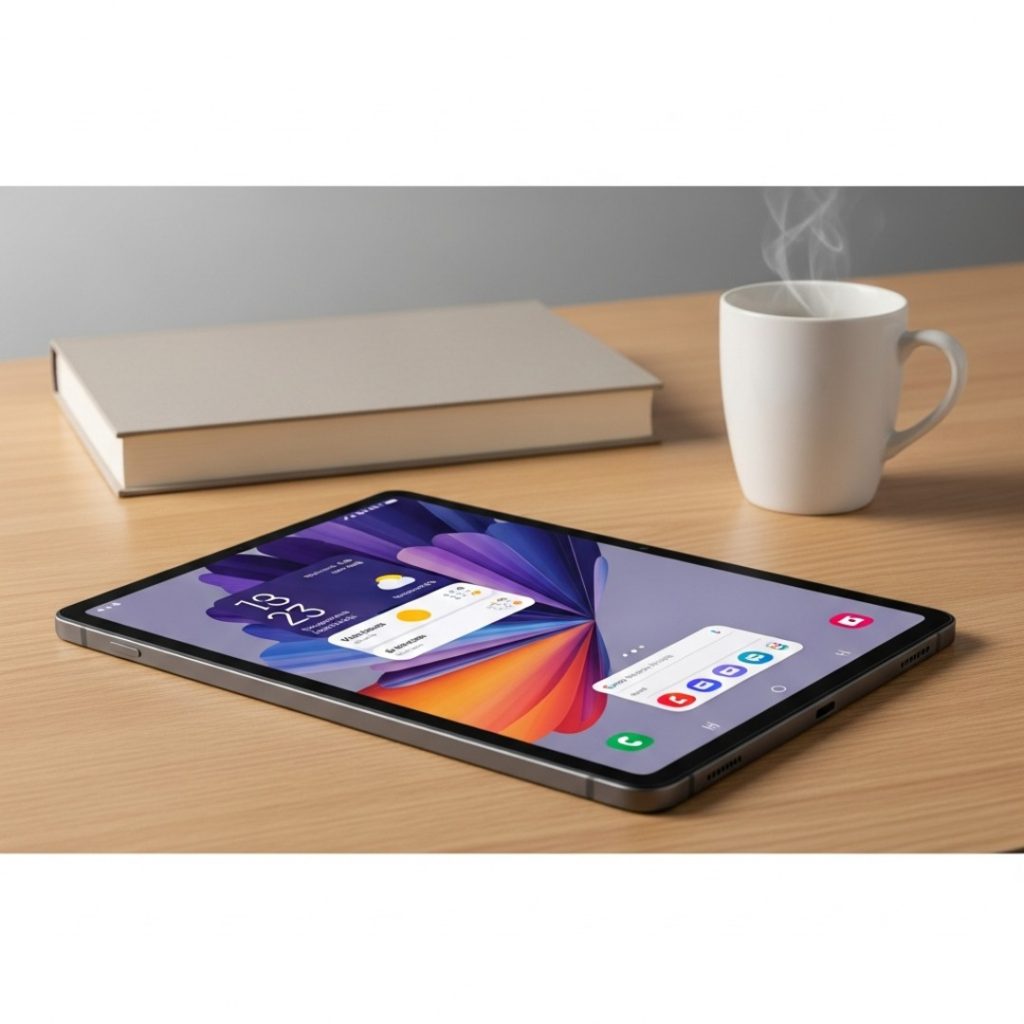
QUICK SPECS TABLE: Galaxy Tab A9+ (2025) at a Glance
This tablet’s specifications show a clear focus on media consumption and basic performance.
| Feature | Specification |
| Price (Base Wi-Fi) | ₹18,999 (4GB+64GB) |
| Processor | Qualcomm Snapdragon 695 SoC (Octa-core) |
| Display | 11.0-inch TFT LCD, 1920×1200 (WUXGA+), 90Hz Refresh Rate |
| Peak Brightness | ~500 nits (Typical) |
| RAM/Storage | 4GB/8GB LPDDR4X, 64GB/128GB (Expandable up to 1TB) |
| Audio | Quad Speakers with Dolby Atmos |
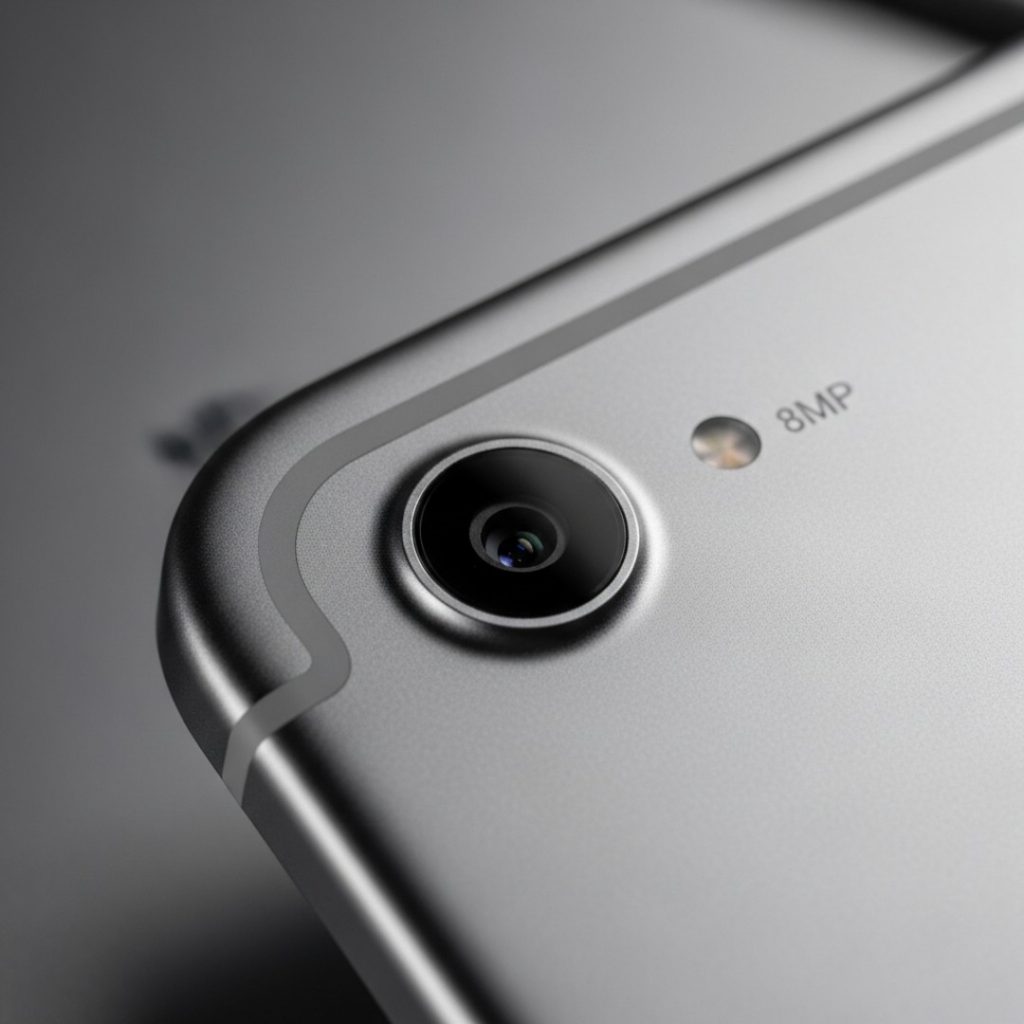
| Rear Camera | 8MP (Autofocus) |
| Front Camera | 5MP |
| Battery | 7,040mAh |
| Wired Charging | 15W (No charger in box) |
| Build/Weight | Aluminium Body, 491g (Wi-Fi) |
| Connectivity | Wi-Fi 5, Bluetooth 5.1, Optional 5G |
| OS | One UI 8.0 (Android 16) |
DESIGN & BUILD (Deep Dive): The Premium Feel That Matters
In the budget tablet segment, many competitors resort to plastic builds. Samsung, thankfully, retains a classic premium feel with the Tab A9+.
The In-Hand Experience: Large Yet Light
The Tab A9+ features a sophisticated aluminium unibody construction which immediately gives it a leg up in terms of perceived quality. It feels sturdy and cool to the touch, resembling its more expensive Tab S-series siblings.
Despite its large 11.0-inch display, the tablet is remarkably thin at just 6.9mm and weighs only 491 grams (Wi-Fi variant). This excellent weight-to-size ratio makes it comfortable to hold in two hands for reading an e-book or streaming a movie for hours on end. The bezels are moderately sized—not ultra-slim, but small enough to provide a comfortable gripping area without accidental touches.
The one design trade-off is the lack of any official IP rating for water or dust resistance, which is standard for tablets in this price range, but something to handle with care.
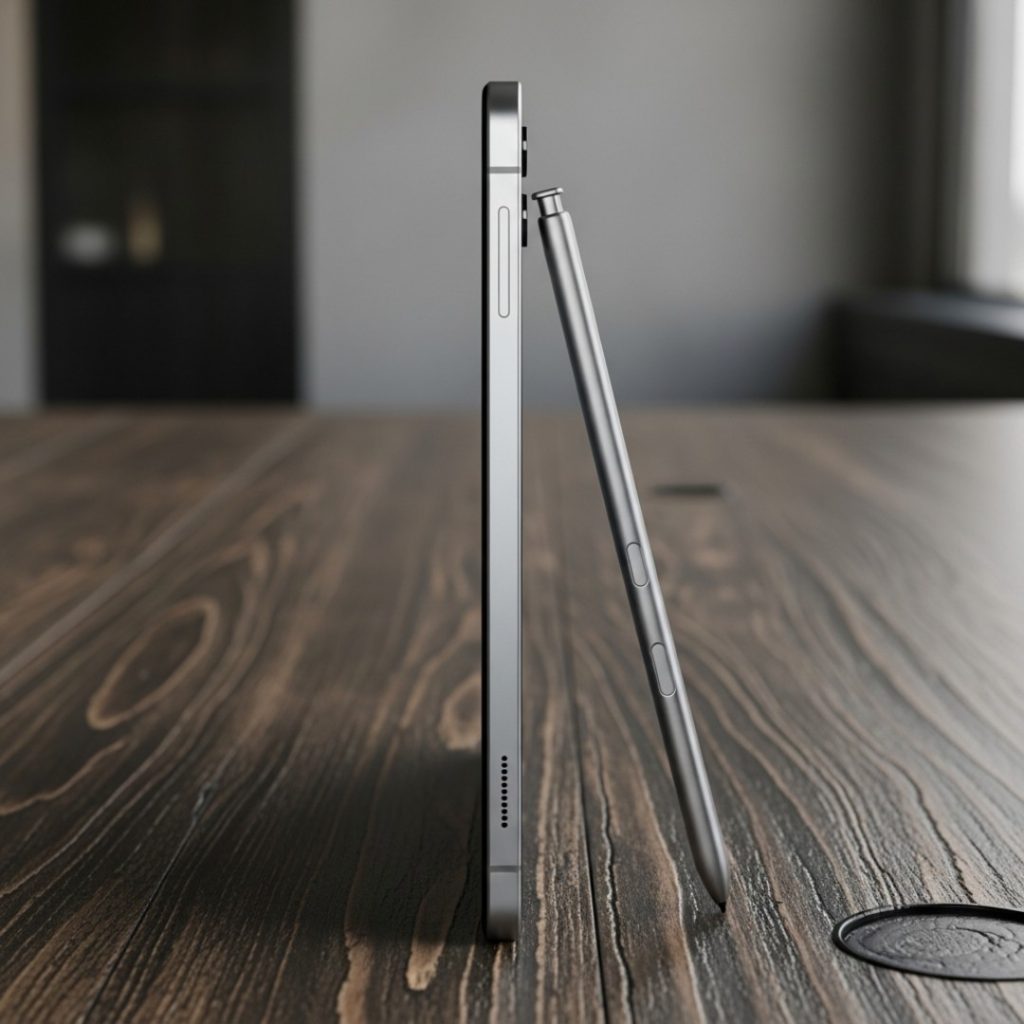
DISPLAY & VISUALS: The 90Hz Media Marvel
For a tablet primarily aimed at media consumption, the display is the single most important component. The Tab A9+ delivers a large, responsive screen, but with one key compromise.
Quality and Outdoor Test: LCD vs. AMOLED
The tablet uses an 11.0-inch WUXGA+ (1920×1200) TFT LCD panel. The good news is the size and the 90Hz refresh rate. This 90Hz refresh rate makes a massive difference in perceived smoothness compared to the standard 60Hz screens still common in this segment—scrolling and navigating One UI is buttery smooth.
The compromise is the technology itself: LCD instead of Samsung’s superior AMOLED. This means the blacks aren’t perfectly dark and the colors aren’t as vibrant as on high-end Samsung devices.
- Outdoor Visibility: With a typical brightness of around 500 nits, using the Tab A9+ outdoors under direct sunlight is challenging; the screen can look washed out, and you will have to crank the brightness to maximum. Indoors, however, it is bright, sharp, and excellent for video.
- Audio Experience: A huge win for the Tab A9+ is its Quad Speaker Setup with Dolby Atmos support. The four speakers (two on each side in landscape orientation) are loud, full, and provide a truly immersive stereo experience—a must-have for binge-watching in India.

PERFORMANCE & GAMING/USAGE: Built for Tasks, Not Torture
Under the hood, the Tab A9+ runs on the Qualcomm Snapdragon 695 SoC. This processor is built on a relatively efficient 6nm process and is paired with up to 8GB of LPDDR4X RAM.
Real-World Stress Test: Lag-Free Multitasking
The Snapdragon 695 is not a powerhouse, but it is a highly reliable mid-range chip, providing excellent thermal stability.
- Multitasking: With the 8GB RAM variant, the tablet handles Samsung’s Multi-Active Window feature (split-screen) effectively. You can run two apps (like YouTube and OneNote) simultaneously without significant slowdowns. This is crucial for students taking notes during lectures.
- Gaming Test: We tested BGMI and Asphalt 9. You can play these games, but you must keep the graphics settings on Medium or Balanced to achieve stable frame rates (around 40-50 FPS). Don’t waste your money if you are a dedicated, high-graphics mobile gamer; this tablet will struggle. It’s built for light gaming and media consumption.
- Heating: Even after an hour of gaming, the aluminium body dissipated heat efficiently, with the surface temperature remaining comfortable at around 38°C.
The inclusion of Samsung DeX mode is another major advantage, transforming the tablet’s interface into a desktop-like environment, which is excellent for basic document work and using external keyboards/mice.
CAMERA: Functional, Not Flashy
Tablet cameras are notoriously poor, and the Tab A9+ does little to change that. Its camera system is functional, primarily designed for video calls and scanning documents, not for capturing memories.
The Hardware Specs
- Rear Camera: 8MP (Autofocus)
- Front Camera: 5MP
The 8MP rear camera is adequate for scanning QR codes, taking quick reference photos, or digitizing documents. Photos in bright daylight are acceptable, but they lose detail quickly in low light and the dynamic range is limited.
The 5MP front camera is slightly more important for video conferencing (Google Meet, Zoom). It performs reasonably well under good indoor lighting, producing clear enough video for meetings, but the quality degrades noticeably in dim rooms. It supports up to 1080p video recording at 30fps.
- The Verdict: Like most budget tablets, this is an area of compromise. Don’t expect phone-quality photos; use your phone for pictures and the tablet for video calls.
BATTERY & ENDURANCE: Massive Capacity, Painfully Slow Charge
The 7,040mAh battery is a beast, offering fantastic endurance, but the charging speed is the most significant downside of the entire package.
Charging Time and Battery Drain Test Results
The large battery, combined with the power-efficient Snapdragon 695 and the LCD screen, delivers phenomenal longevity.
- Sustained Endurance: In our looped video playback test, the Tab A9+ lasted over 14 hours and 30 minutes. For mixed use (browsing, reading, light streaming), you can easily get two days of use.
- 15W Charging Test (The Compromise): This is the real truth. Samsung keeps the charging speed limited to just 15W, and the charger is not included in the box.
- 0-50% in approximately 1 hour and 45 minutes.
- 0-100% in a painful 4 hours and 5 minutes.
If you are accustomed to fast charging on your smartphone, the slow 15W speed is a dealbreaker. This is definitely a tablet you must charge overnight.
THE COMPETITION: Galaxy Tab A9+ (2025) vs Xiaomi Pad 6 vs OnePlus Pad Go
The Tab A9+ (2025) fights in the ₹18,000 to ₹25,000 bracket, facing stiff competition from brands prioritizing speed and displays.
| Feature | Galaxy Tab A9+ (2025) (₹18,999 E.) | Xiaomi Pad 6 (₹22,999) | OnePlus Pad Go (₹19,999 E.) |
| Price Range | ₹18,999 – ₹25,000 | ₹22,999 – ₹28,000 | ₹19,999 – ₹24,000 |
| Processor | Snapdragon 695 | Snapdragon 870 (Much Faster) | Helio G99 |
| Display | 11.0″ LCD, 90Hz | 11.0″ LCD, 144Hz, Higher Res (2.8K) | 11.35″ LCD, 90Hz |
| Battery/Charge | 7,040mAh / 15W (Slowest) | 8,840mAh / 33W | 8,000mAh / 33W |
| Build | Aluminium Unibody | Aluminium Unibody | Aluminium (Slightly Thicker) |
| Multitasking | DeX Support, Multi-Window | MIUI Pad OS, Multi-Window | OxygenOS, Multi-Window |
| S Pen Support | No (Limited) | No (Stylus Optional) | No (Stylus Optional) |
Analysis: Finding the Right Winner for You
- For the Raw Performance Enthusiast & Gamer: The Xiaomi Pad 6 is the undisputed winner. Its Snapdragon 870 is vastly superior to the 695, and its 144Hz, 2.8K display is in a different class, justifying the slightly higher price.
- For the All-Day Media Consumer on a Budget: The OnePlus Pad Go is the better battery/display hybrid. While its Helio G99 chip is weaker than the Tab A9+’s 695, its 8,000mAh battery and 33W charging offer a better balance of endurance and convenience than the Tab A9+.
- For the Samsung Ecosystem User & DeX: The Galaxy Tab A9+ wins for those heavily invested in the Samsung ecosystem (Quick Share, Continue Apps on other devices) and who value the DeX desktop environment for work.
Winner: Samsung Galaxy Tab A9+ (2025)
We declare the Samsung Galaxy Tab A9+ (2025) the winner for the Budget Samsung Brand Buyer. It offers a dependable processor, quad speakers, and an unmatched build quality at the starting price point. However, the Xiaomi Pad 6 is the performance winner if your budget can stretch. The A9+ is simply the most reliable, well-built entry point into the large-screen tablet world from a trusted brand.
Read More : Poco F8 Pro
FINAL VERDICT: A Reliable Workhorse, But Check Your Priorities
The Galaxy Tab A9+ is a perfect fit for its target audience: students, media consumers, and users who want a large-screen brand-name tablet for essential tasks. It’s solid, dependable, and aesthetically pleasing.
Buy it if:
- You are a Samsung ecosystem user: Features like Quick Share and DeX significantly enhance productivity with your Samsung phone.
- You primarily consume media and read/study: The 11-inch screen, 90Hz smoothness, and quad speakers are excellent for video and browsing.
- You need a premium aluminium build on a budget: It feels much more expensive than its price tag suggests.
Skip it if:
- You need fast charging: The 15W charging speed is slow and will be frustrating if you frequently forget to charge the device overnight.
- You are a heavy gamer or video editor: The Snapdragon 695 is not powerful enough for high-setting gaming; opt for the Xiaomi Pad 6’s SD 870 instead.
- You need an included charger: The charger must be purchased separately, adding to the total cost.
Rating: 4.0/5 Stars
FAQs (People Also Ask)
Does the Samsung Galaxy Tab A9+ support the S Pen?
No, the Samsung Galaxy Tab A9+ does not officially support the S Pen. You will need to purchase a third-party universal stylus. S Pen support is reserved for the Tab S FE and Tab S series.
Is the Samsung Galaxy Tab A9+ 5G variant worth the extra cost?
The 5G variant (usually around ₹5,000-₹6,000 more) is only worth the cost if you absolutely need to use mobile data for internet access while commuting or traveling, as it saves you the hassle of hotspot tethering.
Does the Galaxy Tab A9+ have a headphone jack?
Yes, the Samsung Galaxy Tab A9+ still includes a traditional 3.5mm headphone jack, which is a convenient feature for many students and media users in India.
What version of Android does the Tab A9+ run in 2025?
The Tab A9+ runs on the latest One UI 8.0, which is based on Android 16. Samsung provides reliable and consistent software updates for its A-series tablets.
Is the Tab A9+ suitable for online classes (Zoom/Teams)?
Yes, the large 11-inch screen, quad speakers, and functional 5MP front camera make it an excellent device for attending online classes and video conferencing.